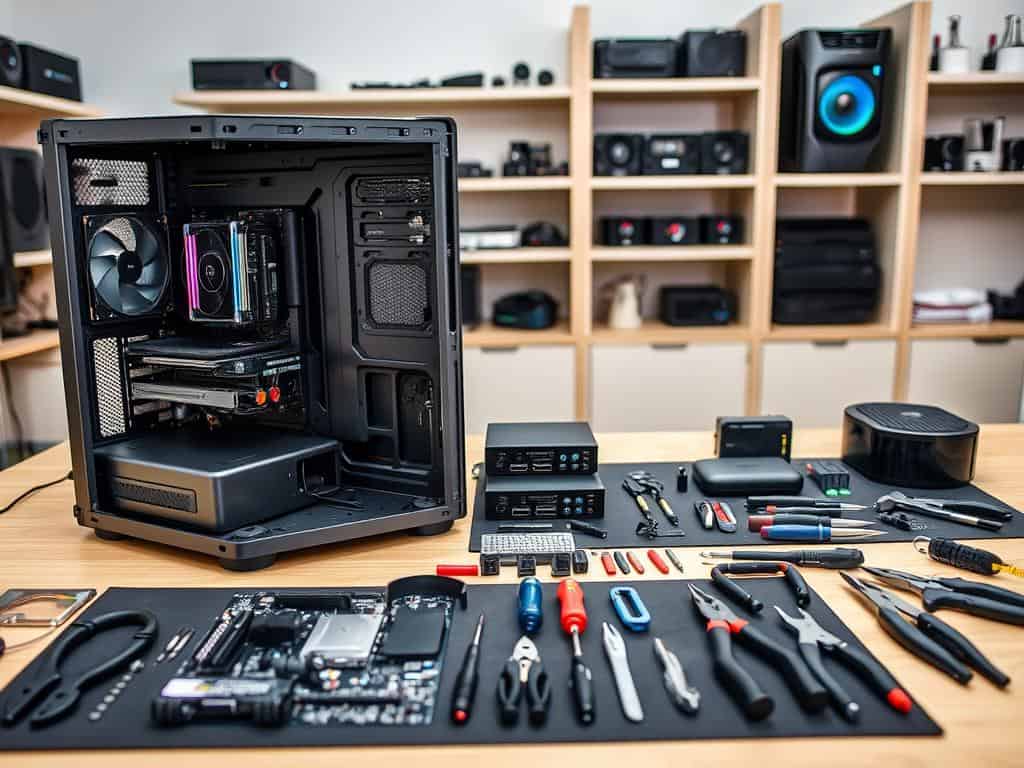
Did you know the chip shortage has made it hard for PC builders? But, as things get back to normal, now is a great time to build your own computer. Building a custom PC might seem hard, like putting together IKEA furniture. But, I’m here to show you it’s easier than you think.
This guide will give you the knowledge you need to pick the right parts and build your system. Whether you want a budget-friendly PC or a top-notch gaming machine, you can make it your own. With the right info and tools, like detailed reviews and part suggestions, you can build a PC that fits your needs perfectly.
Are you ready to learn the basics of building your own computer? It’s a fun and rewarding experience that will boost your tech skills!
Key Takeaways
- Building a custom PC is more achievable than most think and can be learned similar to simpler tasks.
- Prices for essential components are stabilizing, making it a favorable time for a DIY computer build.
- Understanding how to select components increases the chances of creating a setup tailored to personal preferences.
- Access to detailed product reviews and tech resources can guide successful computer building.
- Your build can range from budget-oriented configurations to high-performance systems based on your needs.
- This guide will walk you through choosing components, assembling your build, and tips for first-time builders.
Introduction to Computer Building
Building a computer from scratch is exciting and educational. It offers many benefits that buying a prebuilt system can’t match. I learned how each part works together, which made me proud of my tech.
Understanding the Benefits of a DIY Computer Build
Building your own computer lets you customize and control it. You can pick parts for gaming or video editing. This makes your system perform better and meet your needs.
There’s no better feeling than having a PC you built yourself.
The Cost-Effectiveness of Building Your Own PC
Building your own PC can save you money. Basic setups cost $300 to $600. Mid-range builds are $700 to $1,200. High-end systems, from $1,500 to $3,000+, offer great value.
You can choose quality parts without the extra cost of prebuilt systems.
Skills Gained from Building Your Own Computer
DIY computer building teaches you a lot. You learn about motherboard layouts and thermal paste. Each step is a lesson in tech education.
This journey improves your problem-solving skills. You face and solve many challenges.
Choosing the Right Components for Your DIY Computer Build
Building your own computer needs careful thought about different parts. Knowing what each part does makes picking them easier and more effective.
Essential Components You’ll Need
You’ll need a PC case, motherboard, CPU, GPU, RAM, SSD, and Power Supply for a good build. Each part is key to your system’s performance and how well it works together. Doing your homework on each part helps you make smart choices that fit your needs and budget.
How to Select a PC Case
Choosing a PC case is a big decision. It affects how your computer looks, how well it cools, and if all parts fit. Pick a case that matches your motherboard size and has good cooling options. This helps prevent overheating during heavy use.
Understanding Motherboards: The Backbone of Your Build
The motherboard is the heart of your build. It decides which CPU, RAM, and expansion slots you can use. Make sure the motherboard’s chipset matches your CPU type, whether it’s Intel or AMD. This ensures everything works well together.
Selecting the Right CPU for Your Needs
The CPU is like the brain of your system. It affects which motherboards and RAM you can use. For gaming, CPUs like Intel Core i7 or AMD Ryzen 7 are great. But, there are cheaper options for everyday tasks, like Intel Core i5 or AMD Ryzen 5.
Picking the Perfect Graphics Card
The GPU greatly impacts gaming and visuals. Graphics cards cost between $300 and $800, with top models like the NVIDIA RTX 4080 for serious gamers. Make sure the GPU fits with your CPU and power supply to avoid problems.
Memory and Storage: RAM and SSD Choices
For the best performance, get at least 16GB RAM, more if you game. SSDs, like M.2 NVME drives, are much faster than HDDs. They make your system quicker and more responsive, no matter what you use it for.
Power Supply Units and Their Importance
A good power supply is essential for stability and future upgrades. I always choose a power supply that’s 50W to 100W more than needed. A unit with an 80+ Gold rating or higher is efficient and reliable, important for top-notch builds.
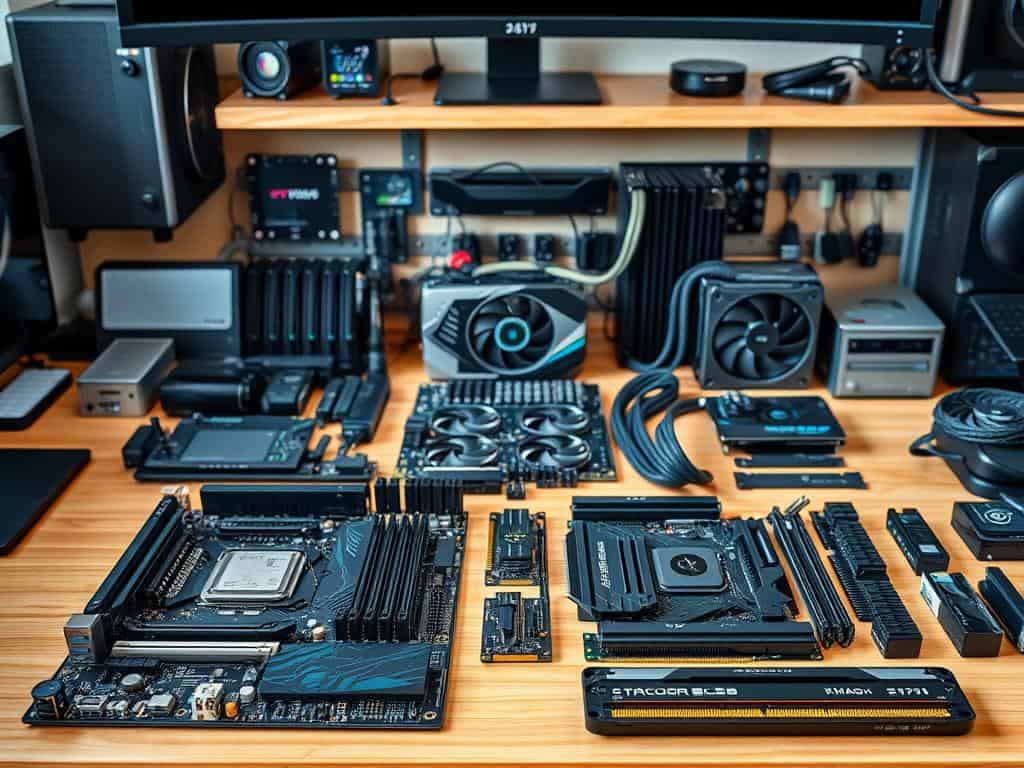
Step-by-Step Guide: Assembling Your DIY Computer Build
Building my own PC was a fun journey. Setting up a good workspace setup is key before starting component installation. Good lighting and enough space help avoid mistakes and keep me focused.
Preparing Your Workspace for Assembly
First, I make sure I have all the tools I need. A Phillips head screwdriver is a must, but having a full set is better. It’s also smart to use an antistatic wrist strap or touch metal to prevent damage to components.
Installing Key Components in Order
I start by installing the CPU and memory. RAM goes in the farthest and second closest slots for best performance. Then, I put the motherboard in the case carefully. Making sure everything is secure makes future power supply management easier. It’s important to keep the front I/O cables straight to avoid damage.
Connecting the Power Supply and Keeping Cables Managed
Next, I connect the power supply. For modular PSUs, it’s helpful to connect cables before installing. After securing the PSU, I organize cables to improve airflow and look. A tidy setup is not only nice to look at but also helps the system run better.
Testing Your Build Before First Use
After finishing the build, PC testing is the last step. I plug in all peripherals and turn it on. Using a USB flash drive with at least 8GB for the operating system makes setup easy. This step ensures everything works right and my build is ready to go.
Conclusion
Looking back, building my own computer was a big win. It gave me a top-notch gaming machine and taught me a lot. Choosing the right parts, like the Intel Core i5-8400 for $179 and the Nvidia GeForce GTX 1070 for $399, was key. It showed me how important it is to know what you need and how much you can spend.
My goal was to build a PC for under $1,000, and I did it. I used rebates and picked the best parts, like the MSI B360-A Pro motherboard and the Crucial MX500 SSD. The whole process was exciting, and I learned a lot. If you’re thinking about building a PC, remember it’s the journey and what you learn that matter most.
Building a gaming PC is worth the effort. It not only gives you a great machine but also teaches you a lot. I suggest you start your own project. It could lead to a PC that fits your needs perfectly and a sense of pride in making it yourself.
